
 News
News 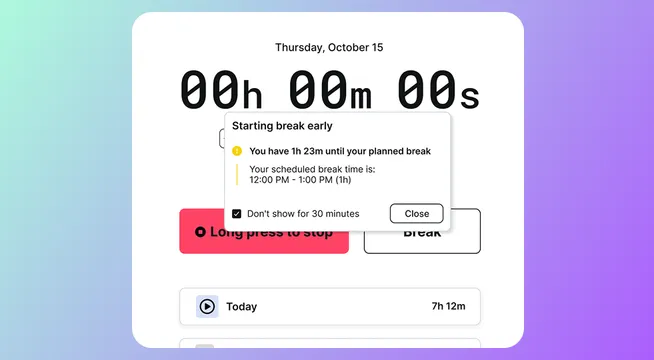
Mass invitations, New scheduling conditions, Time clock and more
This release introduces early Time Clock access, easier team onboarding, and finer auto-scheduler matching controls.
Time Clock early access
New Time Clock supports work-hour tracking and location verification for clock-ins.
Access requests: [email protected]
Mass invitations
Teams can now invite multiple users in one flow for faster rollout.
Guide: https://www.notion.so/38329187ef6c446891d149dfe40226ef?pvs=21
Auto-scheduler condition control
Auto-scheduler matching for skills and work areas now supports configurable OR / AND behavior.
Settings: https://app.shiftparade.com/settings/auto-scheduling
Visibility and support updates
Shifts assigned outside active grouped work areas now appear more visibly grayed out.
New help center is available via header question-mark icon.
Help center: https://www.notion.so/Superplan-Help-Center-122772e9db9b4f3d8fcc66b7bbb010e0?pvs=21
This release also includes bug fixes and interface improvements.